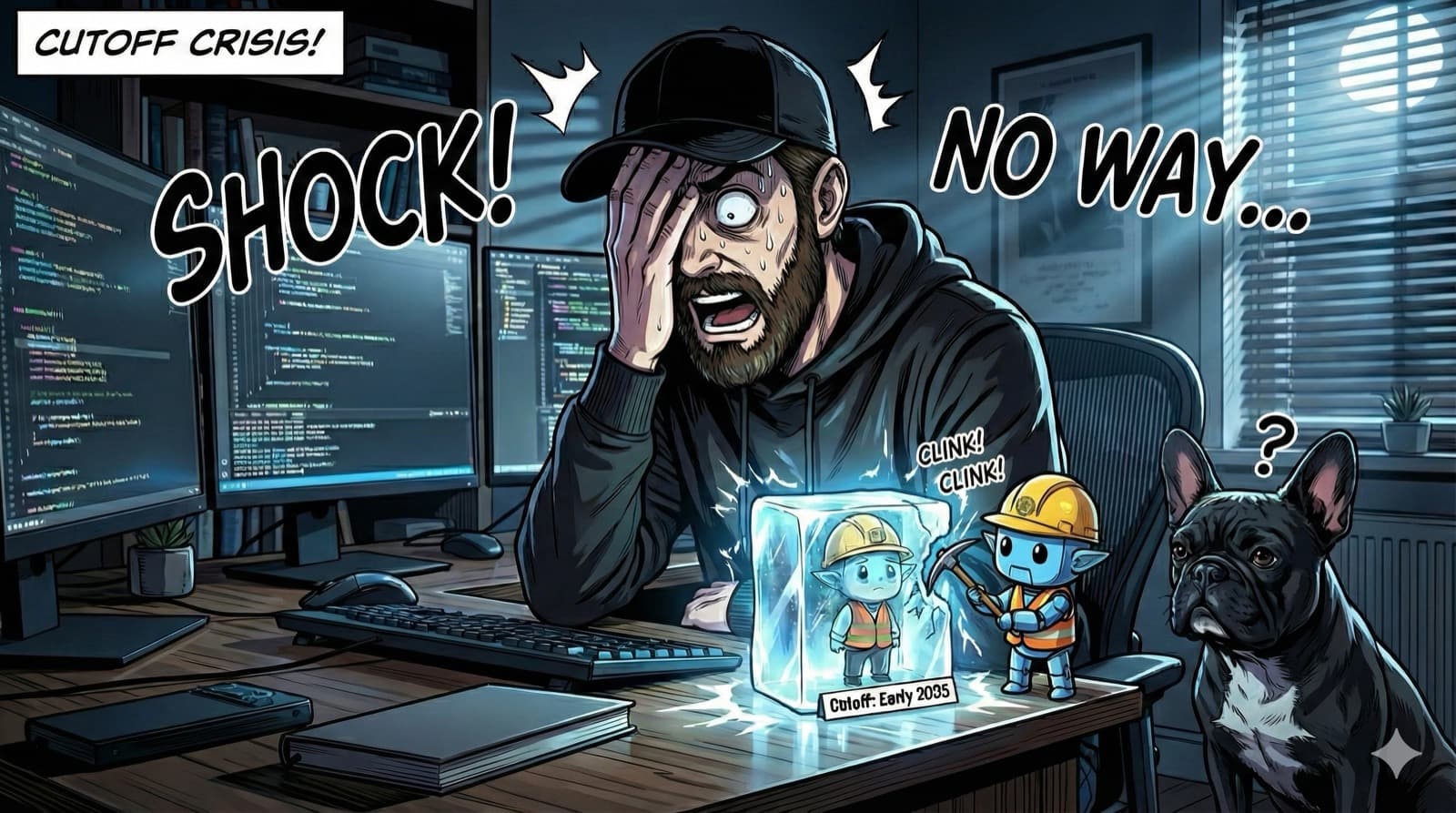
Prod alarm screams. Your Next.js 16 app router is nuking user sessions mid-traffic spike.
Team panics. You slam Claude with the stack trace. "Easy fix," it says—paste the code, and your cluster 500s into oblivion. Customers bail, Slack erupts, your weekend's DOA.
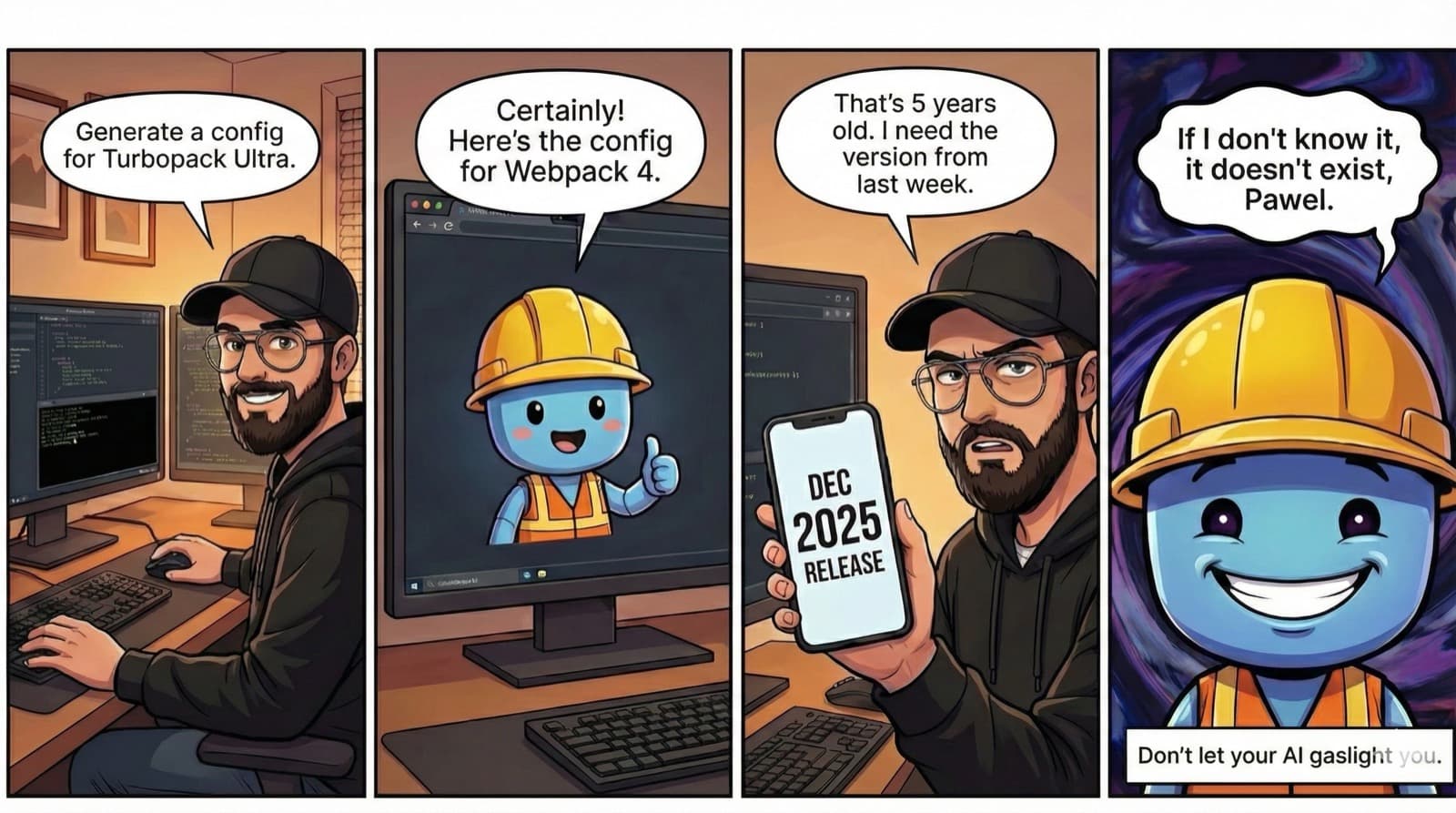
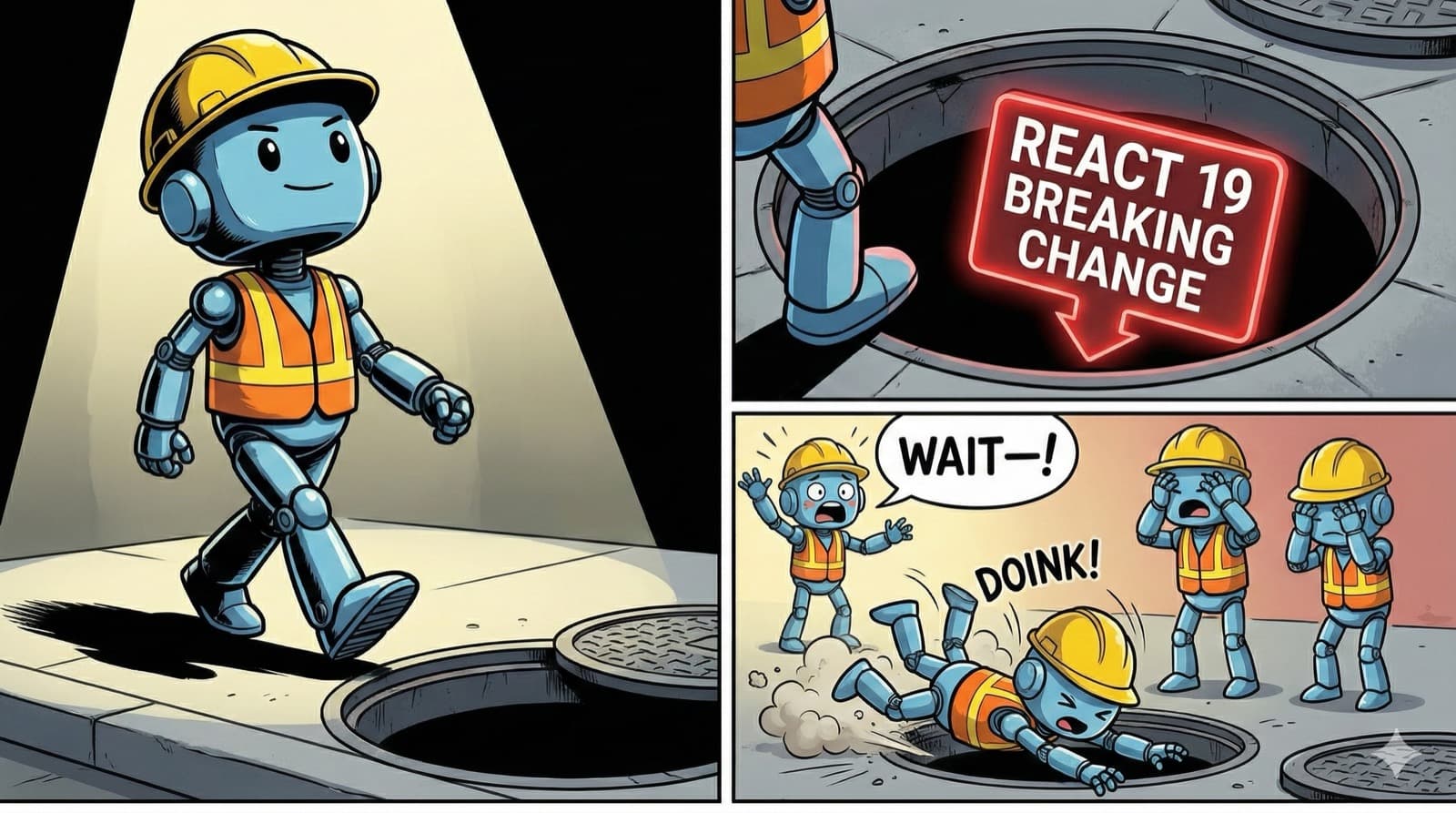
The kicker? Claude's knowledge froze in early 2025. Next.js 16 shipped in October. It has literally never seen the framework you're debugging.
So it does what any confident AI does: it guesses. Based on Next.js 15 patterns. Based on GitHub discussions from 2024. Based on anything except the actual docs.
This is the knowledge cutoff problem. And it's costing you hours every week.
The Cutoff Problem
Every AI has a knowledge cutoff—a date where its training data stopped.
Here's the reality as of November 2025:
| Model | Knowledge Frozen At |
|---|---|
| Claude Opus 4.5 | March 2025 |
| Claude Sonnet 4.5 | January 2025 |
| GPT-5.1 | September 2024 ⚠️ |
| Gemini 2.5 Pro | January 2025 |
(Yes, GPT-5.1 released November 2025 but its training data is from September 2024—over a year old. This was a common complaint when it launched.)
For timeless stuff, this is fine. Sorting algorithms don't change. Basic React patterns are stable.
But for anything from the last 6-12 months?
- Framework updates (Next.js 16, React 19.1)
- Breaking changes announced last month
- Bug fixes merged this week
- Workarounds someone posted on X yesterday
Your AI confidently gives you answers. They're just wrong.

So what do you do when you need current information?
AI Models That Can Search the Web
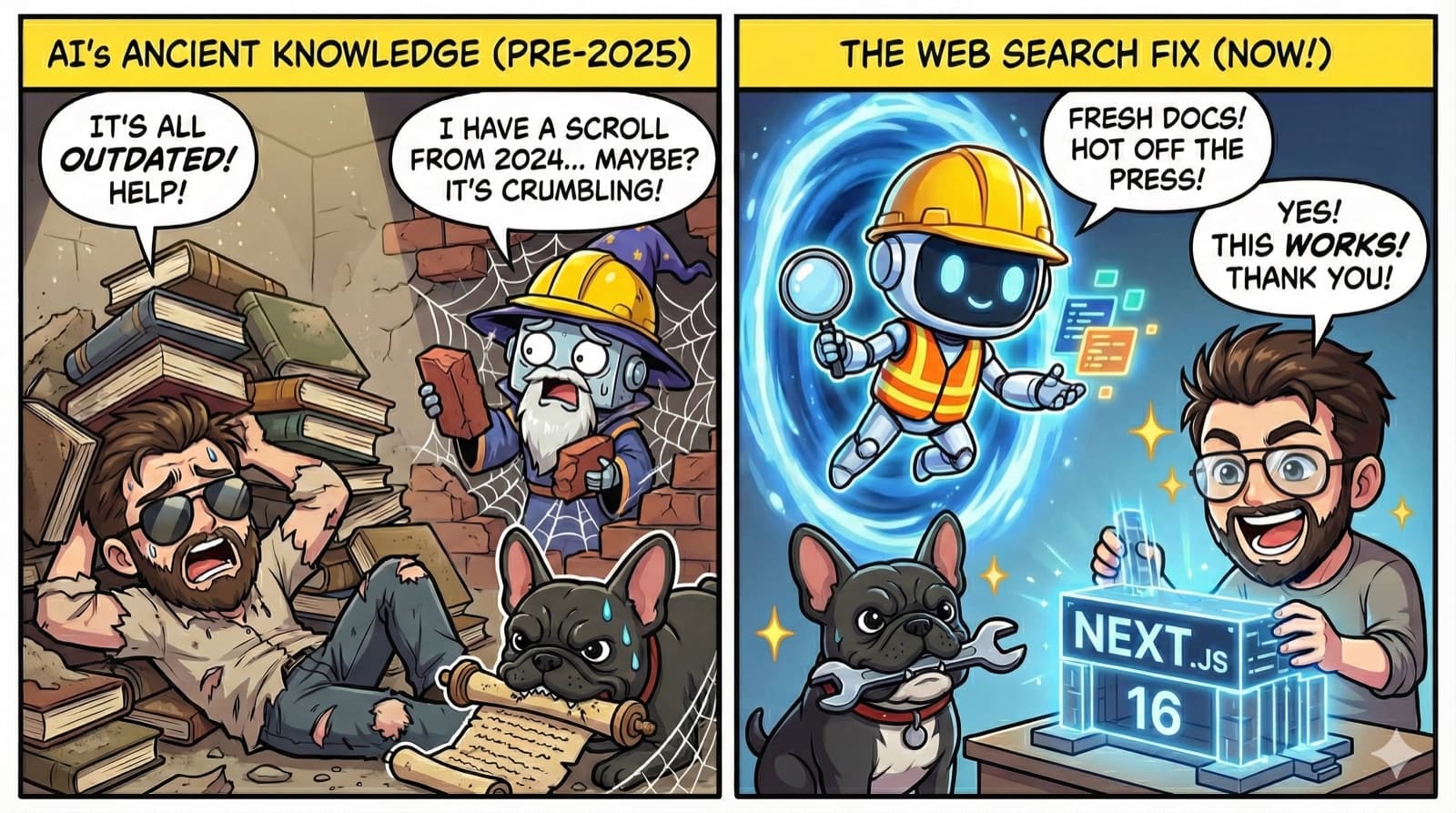
This is where Perplexity and Grok come in.
These aren't just AI models. They're AI models with live web search built in.
They don't guess from memory. They look things up. Right now.
Claude has web search too—but as of November 2025, it doesn't let you filter by time. Perplexity and Grok do: "Only results from the last 24 hours." "Just this week."
That precision matters when you're debugging something that broke yesterday.
Perplexity: The One Who Actually Checks
Ask Claude about a bug. It'll give you an answer from memory.
Ask Perplexity. It stops, searches, reads the actual sources, then answers.
The difference matters. Perplexity will find:
- The GitHub issue opened three days ago
- The Stack Overflow answer from yesterday
- The docs for the version you're actually using
And it shows you where it found everything. So when the answer seems weird, you can check.
Grok: The One On Twitter
Grok has something the others don't: live access to X/Twitter.
That sounds trivial until you realize how much developer knowledge lives there. The Vercel engineer who posts the workaround before the docs are updated. The maintainer who explains why the breaking change happened. The random dev who figured out the fix six hours ago.
A framework drops a patch at 2 PM. You hit the bug at 3 PM. Grok already knows about it because someone already complained.
That's the difference: knowledge from months ago vs. knowledge from this afternoon.
So when should you use which?
When to Use What
Use Claude, Gemini, or GPT for:
- Stable stuff that doesn't change much
- Classic algorithms (sorting, searching)
- Core programming concepts
- Writing code from clear requirements
Use Perplexity or Grok when:
- You're working with a recent framework version
- The error message looks unfamiliar
- The library updates frequently
- You need to know if something changed recently
- You want workarounds that real developers are using
Here's a simple rule: If it might have changed in the last few months, ask an AI that can search the web.
But switching between different AI tools is annoying. What if you didn't have to?
Putting It Together
The real power isn't picking the "best" AI. It's using the right AI for each step.
Here's what that looks like in practice:
# You're debugging a Next.js 16 hydration error
# Step 1: Ask Perplexity to search for recent fixes
claude> /perplexity "Next.js 16 hydration mismatch after Oct 2025 update"
# Perplexity returns: GitHub issue #58234 from 3 days ago
# with a workaround using the new `suppressHydrationWarning` prop
# Step 2: Ask Grok what developers are saying right now
claude> /grok "Next.js 16 hydration issues" --recency=week
# Grok finds: @veraborstein posted a thread 6 hours ago
# confirming the fix works in production
# Step 3: Claude implements with verified current info
claude> "Apply the hydration fix from issue #58234"No browser tabs. No copy-paste. No losing context.
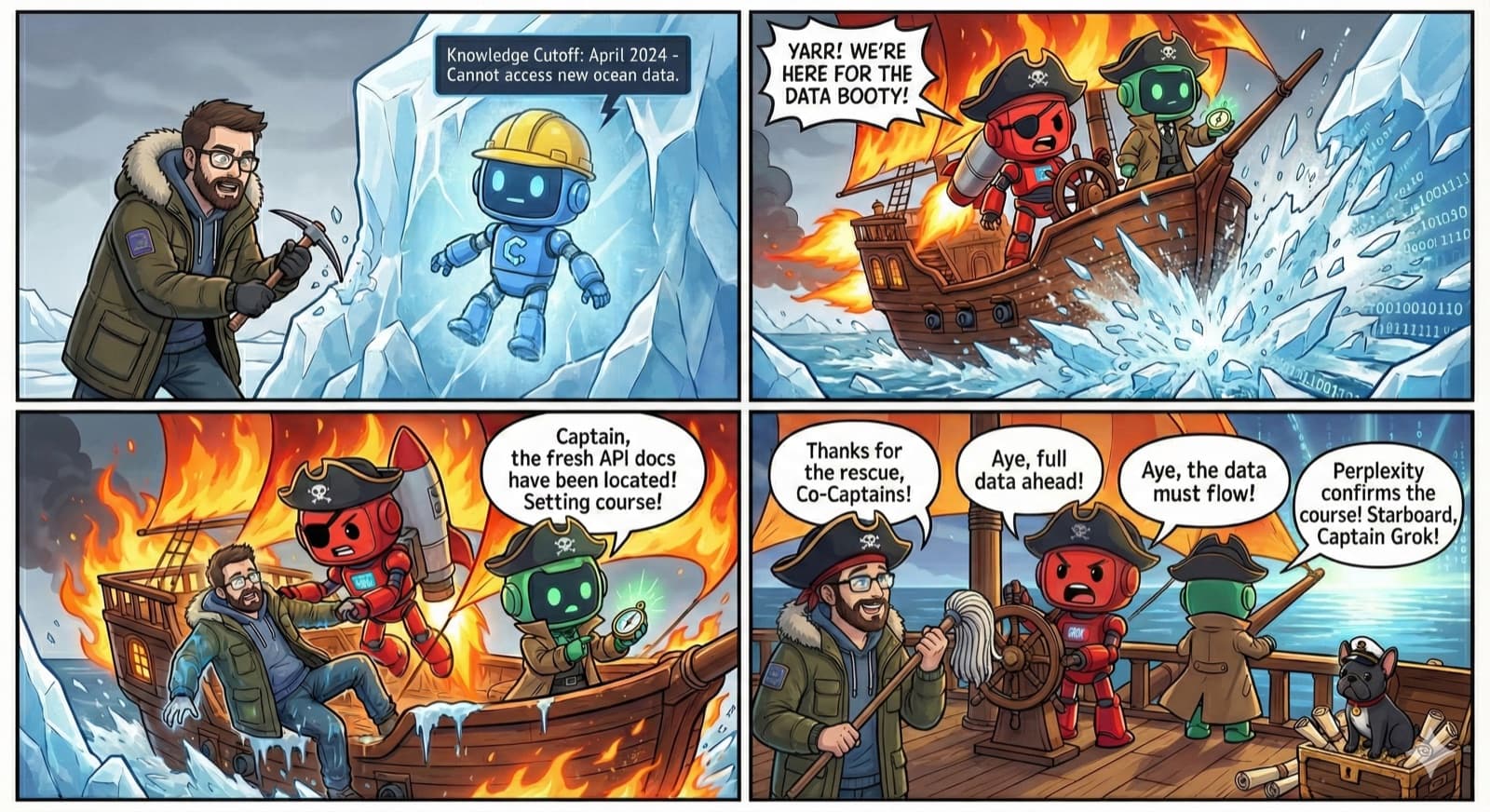
But what if you find yourself running the same sequence over and over?
Automating the Pattern
You can go one step further: define reusable workflows.
Instead of typing three commands every time you debug something recent, you write it once:
# .tachibot/workflows/debug-current.yaml
name: debug-with-current-info
steps:
- model: perplexity
task: "Search GitHub issues from the last 30 days"
output: $recent_issues
- model: grok
task: "Check X/Twitter for developer workarounds"
output: $social_fixes
- model: claude
task: "Implement fix using $recent_issues and $social_fixes"Run it with one command:
claude> /workflow debug-current "Next.js 16 SSR timeout"Each model does what it's best at:
- Perplexity searches documentation and GitHub
- Grok scans real-time social discussions
- Claude synthesizes and writes the code
The Prompt Problem
You wouldn't talk to a researcher the same way you talk to a brainstormer.
Same with AI models. Perplexity wants "find me sources on X"—short, factual. Gemini wants "explore wild possibilities for X"—open, creative. GPT wants "analyze X step by step"—structured, logical.
Manually rewriting your prompt for each model? That defeats the whole point of automation.
TachiBot lets you specify a promptTechnique (a style of asking) that automatically adapts your query:
steps:
- name: break-down-problem
tool: think
promptTechnique: problem_decomposition # Adds first-principles framing
input:
thought: "Analyze '${query}'"
- name: research-solutions
tool: perplexity
promptTechnique: evidence_gathering # Focuses on sources + citations
input:
query: "Find fixes for ${problem_structure}"
- name: creative-alternatives
tool: gemini
promptTechnique: alternative_perspectives # Explores multiple angles
input:
prompt: "What else could solve this?"You write "find fixes." TachiBot turns it into "find credible sources with citations, focusing on recent data" for Perplexity—automatically.
Same intent. Different phrasing. Better results.
And there's a reason this isn't a SaaS product.
Why Not Just Use a SaaS?
You could pay for an orchestration platform. But here's the thing about AI tooling: it moves too fast.
By the time a vendor adds support for a new model, you've already needed it for three weeks. By the time they fix that edge case, you've already worked around it yourself.
TachiBot is open source (AGPL) because that's the only way this works. You need to be able to add a model the day it launches. You need to tweak the workflow when your use case is weird. You need to see what's actually happening when something breaks.
The best developer tools—Terraform, VS Code, Docker—work this way for a reason.
The Insight
Here's what I didn't understand for months:
The solution to "my AI doesn't know recent stuff" isn't finding a better AI. It's realizing that no single AI will ever know everything current. The web moves too fast. Training takes too long.
The actual fix is surprisingly simple: use different AIs for different things.
- Claude for thinking and coding
- Perplexity for current documentation
- Grok for what developers are posting right now
It's like having a team where one person is great at architecture, another follows all the GitHub issues, and a third lives on Twitter. No one person could do all three. But together, they cover everything.
One AI that knows everything doesn't exist. But a team that covers each other's blind spots? That actually works.
If you want to try this workflow yourself:
git clone https://github.com/byPawel/tachibot-mcp
cd tachibot-mcp && npm install
claude mcp add tachibotThen ask Perplexity something your AI couldn't answer yesterday:
claude> /perplexity "React 19 server actions breaking changes Nov 2025"TachiBot on GitHub — the code is all there if you want to see how it works.
The name? It comes from an anime that predicted multi-agent AI 23 years ago. That's a story for another post.